


Creating charts from data can be time-consuming and complex. ChartBrick simplifies this process, making it easy for anyone to visualize their data efficiently.
ChartBrick is designed for users who want to create insightful charts without coding. It supports multiple data sources like Notion, Airtable, and CSV files. You can embed these charts in websites, Notion pages, or even download them as images. With its user-friendly interface, you can choose from eight different chart types. This tool is perfect for tracking habits, financials, and more. Plus, you get lifetime access for a one-time payment of $49, including all future updates. Discover more about this tool and its features in this detailed ChartBrick Lifetime Deal Review.
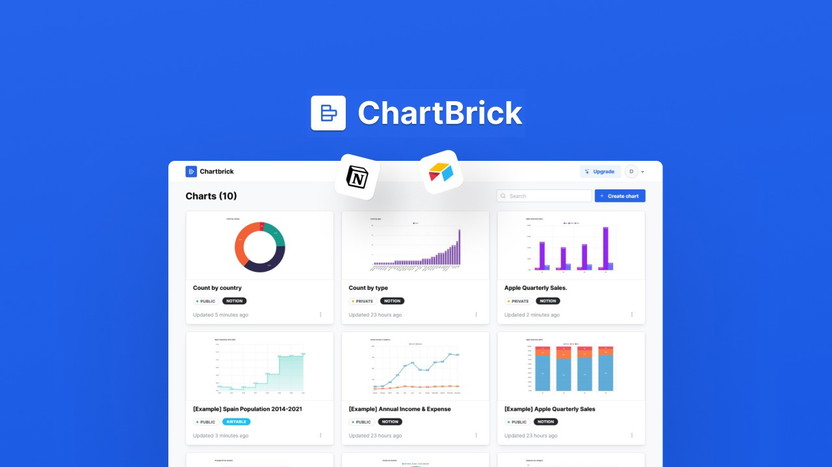
Credit: appsumo.com
Introduction To Chartbrick
ChartBrick offers a robust solution for creating and embedding charts. This tool is user-friendly, versatile, and supports various data sources. Whether you need to visualize data from Notion, Airtable, or CSV, ChartBrick simplifies the process.
What Is Chartbrick?
ChartBrick is a no-code data visualization tool. It allows users to create insightful charts from various sources. These sources include Notion, Airtable, Stackby, MySQL, CSV, and JSON. The charts created can be embedded in Notion pages, websites, or downloaded as images.
Purpose And Overview Of Chartbrick
The main purpose of ChartBrick is to facilitate easy chart creation. It supports eight different chart types: column, bar, line, area, pie, donut, funnel, and radar. This diversity in chart types helps in representing data in a more meaningful and understandable way.
| Main Features | Details |
|---|---|
| No-code friendly chart creation | Easy for anyone to use without coding skills |
| Supports 8 chart types | Column, bar, line, area, pie, donut, funnel, and radar |
| GDPR-compliant | No data storage, ensuring privacy |
| Real-time data updates | Charts update as data changes |
| Unlimited charts and embeds | Create and embed as many charts as needed |
| Downloadable charts | Option to download charts as images |
| Remove branding | Option to remove ChartBrick branding from charts |
- Benefits:
- Quick chart creation without any coding
- Enhanced data visualization
- Embed charts on various platforms
- Suitable for financials, habit tracking, and more
- Lifetime access with no limits
Pricing Details:
- One-time payment of $49 (originally $107.88)
- Includes unlimited charts and embeds
- All future plan updates included
Refund and Return Policies:
- 60-day money-back guarantee
- Try the product for two months to ensure satisfaction
Additional Information:
- Lifetime access to ChartBrick
- Code must be redeemed within 60 days of purchase
- Deal is not stackable
Contact Information:
- Reach out to Daniel at chartbrick@dseoane.com for support and feature requests
- Roadmap and changelog available at ChartBrick’s website
Buy now for $49 and get lifetime access

Credit: www.linkedin.com
Key Features Of Chartbrick
ChartBrick is a powerful tool that offers a range of features for creating and embedding charts. Below, we highlight some key features that make ChartBrick a standout choice for data visualization.
User-friendly Interface
ChartBrick boasts a user-friendly interface that requires no coding skills. The intuitive design allows users to create charts quickly and easily. With just a few clicks, you can transform your data into visually appealing charts.
Customizable Charts And Graphs
With ChartBrick, you can create and customize various types of charts, such as:
- Column
- Bar
- Line
- Area
- Pie
- Donut
- Funnel
- Radar
You can adjust colors, labels, and other chart elements to match your branding or presentation needs. This flexibility ensures your charts are both functional and visually appealing.
Data Import And Export Options
ChartBrick supports data import from various sources, including:
- Notion
- Airtable
- Stackby
- MySQL
- CSV
- JSON
You can also export your charts as images, making it easy to share and embed them in different platforms. This feature ensures your data visualization is always accessible and shareable.
Real-time Data Updates
One of the standout features of ChartBrick is its real-time data updates. Your charts will automatically update as the underlying data changes. This ensures your visualizations are always up-to-date and accurate.
Collaboration Tools
ChartBrick includes collaboration tools that allow multiple users to work on charts together. You can share access and collaborate seamlessly, making it an ideal tool for teams. These tools enhance productivity and ensure everyone is on the same page.
With these robust features, ChartBrick stands out as a comprehensive tool for creating and managing data visualizations. Its ease of use and versatility make it an excellent choice for anyone looking to enhance their data presentation.
Pricing And Affordability
ChartBrick offers a competitive pricing plan that ensures value for money. Let’s break down the details to see why it’s an excellent investment.
Lifetime Deal Pricing
ChartBrick is available for a one-time payment of $49. This price includes:
- Unlimited charts and embeds
- All future plan updates
- Lifetime access without any recurring fees
The original price of this plan is $107.88, making the current deal a significant discount.
Comparison With Other Pricing Models
To better understand the affordability of ChartBrick, let’s compare its pricing with other common models:
| Pricing Model | ChartBrick | Monthly Subscription | Annual Subscription |
|---|---|---|---|
| Cost | $49 (one-time) | $8.99/month | $99/year |
| Lifetime Access | Yes | No | No |
| Future Updates | Included | Depends on the plan | Depends on the plan |
As seen, ChartBrick’s one-time payment model offers substantial savings compared to monthly or annual subscriptions.
Value For Money
ChartBrick provides immense value for its price:
- Unlimited charts and embeds allow flexibility.
- Real-time data updates ensure your charts are always up-to-date.
- No-code chart creation saves time and effort.
- GDPR compliance guarantees data privacy.
- 60-day money-back guarantee offers risk-free trial.
These features make ChartBrick an outstanding choice for data visualization needs.
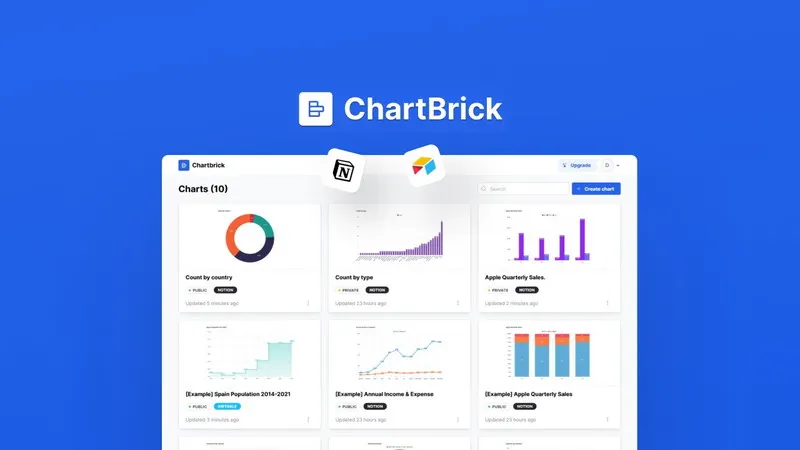
Credit: ltdguides.com
Pros And Cons Of Chartbrick
ChartBrick offers a powerful way to create and embed charts from various data sources. This section dives into the key advantages and potential drawbacks of using ChartBrick.
Pros: Advantages Of Using Chartbrick
- No-Code Friendly: You can create charts without any coding skills. This makes it accessible for everyone.
- Supports Multiple Chart Types: ChartBrick supports 8 different chart types, including column, bar, line, area, pie, donut, funnel, and radar charts.
- Real-Time Data Updates: Charts update in real-time, ensuring your data visualizations are always current.
- Unlimited Charts and Embeds: Create and embed as many charts as you need without any restrictions.
- GDPR-Compliant: ChartBrick does not store any data, ensuring GDPR compliance.
- Downloadable Charts: Option to download charts as images for offline use or sharing.
- Embed Anywhere: You can embed charts in Notion pages, websites, or blog posts effortlessly.
- Lifetime Access: One-time payment of $49 provides lifetime access with no additional costs.
Cons: Potential Drawbacks
- Limited Customization: Some users might find customization options limited compared to other advanced tools.
- Not Stackable: The deal is not stackable, meaning you cannot combine multiple deals for additional benefits.
- Data Sources Limitation: Although it supports various sources, it may not cover all specialized data needs.
- Support and Feature Requests: Support and feature requests are handled via email, which may delay responses.
Specific Recommendations
ChartBrick is a versatile data visualization tool that simplifies creating insightful charts. Here are some recommendations to maximize its use.
Ideal Users For Chartbrick
ChartBrick is perfect for non-technical users who need to visualize data quickly. It is especially useful for:
- Data Analysts: Who need quick and clear data visualizations.
- Project Managers: Who track project progress and milestones.
- Bloggers: Who want to include dynamic charts in their posts.
- Small Business Owners: Who monitor sales, financials, and customer data.
Best Use Scenarios
ChartBrick supports various scenarios where data visualization is crucial:
| Scenario | Chart Type | Use Case |
|---|---|---|
| Financial Reports | Line, Bar | Track revenue, expenses, and profit over time. |
| Project Tracking | Column, Area | Visualize project progress and milestone completion. |
| Market Research | Pie, Donut | Show market share and distribution of data. |
| Customer Surveys | Funnel, Radar | Analyze customer feedback and preferences. |
With ChartBrick, creating and embedding charts on platforms like Notion is easy. It enhances data understanding and presentation. The lifetime deal offers great value, ensuring unlimited charts and future updates at an affordable price.
Frequently Asked Questions
What Is Chartbrick Lifetime Deal?
Chartbrick Lifetime Deal is a one-time payment offer. It gives you lifetime access to Chartbrick’s features.
How Does Chartbrick Benefit Users?
Chartbrick helps users visualize data effortlessly. It offers a user-friendly interface with customizable charts and dashboards.
Is Chartbrick Suitable For Beginners?
Yes, Chartbrick is beginner-friendly. Its intuitive design makes it easy for anyone to create stunning data visualizations.
Can Chartbrick Integrate With Other Tools?
Yes, Chartbrick can integrate with various data sources. This includes popular tools like Google Sheets and Excel.
Conclusion
ChartBrick offers a powerful way to visualize data effortlessly. Its no-code platform supports various chart types, making it suitable for different needs. You can embed charts on Notion, websites, or download them as images. Real-time updates ensure your data stays current. With lifetime access for a one-time payment of $49, it’s an affordable solution for anyone. Try ChartBrick today and enhance your data presentations. Ready to get started? Check out the ChartBrick Lifetime Deal now!

